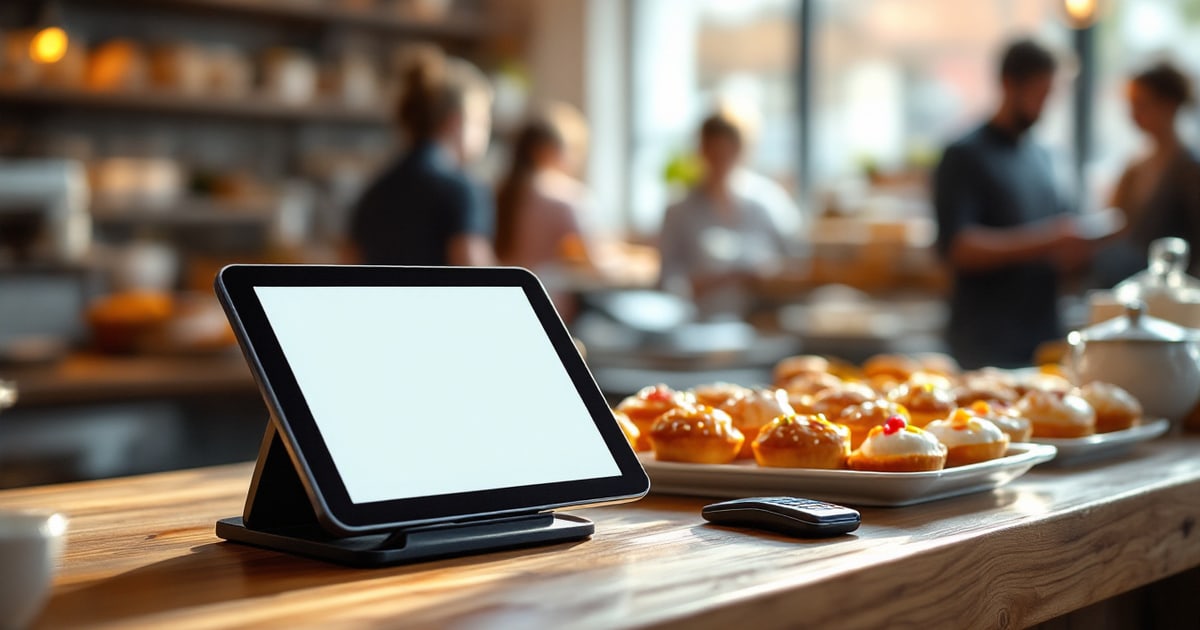
Most point of sale systems were built for restaurants and then sold to bakeries. That difference shows up every morning, because a bakery is not a restaurant: you commit to your inventory hours before the first customer walks in, and whatever you guessed wrong sits in the case until close.
A restaurant cooks to order. If nobody orders the salmon, the salmon stays in the walk-in. A bakery fries, proofs and decorates everything before opening, which means every product decision is a bet placed before you have any information about the day. The register is where you find out whether the bet paid off — and most of them are not built to tell you.
Here is what actually matters when you evaluate one.
1. Does it know what you planned to make?
This is the question that separates a bakery register from a generic one. If you planned 120 glazed and sold 94, your register knows the second number. Does it know the first?
When the two are connected, the screen can show remaining count as you sell — you can see at 10am that the cake donuts are nearly gone and the fritters have barely moved, in time to do something about it. When they are not connected, you find out at close, from a bin.
Ask the vendor directly: can the register display today's production plan alongside sales? Most cannot, because most have no concept of a production plan at all.
2. Modifiers that match how bakeries actually sell
Bakery modifiers are not restaurant modifiers. You need half dozens and dozens that draw from the same product pool, assorted boxes where the customer picks as they go, and the ability to ring a single item without four taps.
Watch for the "build a dozen" flow specifically. If assembling a mixed box means ringing twelve separate items, your line will back up every Saturday morning. It should be one flow with a running count.
3. Pre-orders that arrive in the production plan, not a notebook
Every bakery takes orders ahead. The question is where they go. If pre-orders live in a notebook by the phone, or in a POS module that does not talk to production, someone has to remember to add them to tomorrow's bake.
The version that works: a customer orders three dozen for Friday, and Friday's production number goes up by three dozen automatically. Nobody has to remember anything. This matters even more with bundles — an assorted dozen has to be broken down into individual products before it is any use to the person actually baking.
4. Wholesale accounts, if you have them or want them
Wholesale is where a lot of bakeries find their margin, and it is where generic registers fall down hardest. A café that buys from you twice a week does not want to pay at the counter; they want to be invoiced monthly at their agreed price.
That needs charge-to-account with a credit limit, per-account pricing, and invoices that generate without anyone retyping an order. If you are considering wholesale at all, check this before you buy — retrofitting it later usually means running two systems.
5. The economics of card processing
Bakery transactions are small. A $4 coffee and a $2 donut is a normal ticket, and on small tickets the fixed fee per transaction matters far more than the percentage.
Do the arithmetic on your own average ticket rather than the headline rate. A 2.6% + 10¢ structure and a 2.9% + 5¢ structure rank differently at $6 than they do at $60. Ask what the fixed component is, and whether the platform adds its own fee on top of the processor's.
6. What happens when the internet drops
It will. Ask what the register does. Ideally it keeps taking cash and queues those sales until the connection returns. Card payments generally cannot work offline, and any vendor claiming otherwise is worth a second look.
7. Who else has to use it
A bakery register gets used by whoever is on the counter at 5am, often someone hired last month. Look for PIN-based staff login rather than shared passwords, clear separation between what a baker can do and what a manager can approve, and a screen readable at arm's length in a hurry.
Refunds, voids and discounts should all require a manager, and every one of them should be logged with a name attached. Not because staff cannot be trusted, but because the audit trail is what lets you resolve a discrepancy without guessing.
Questions worth asking any vendor
- Can the register show today's production plan and remaining counts?
- How does a customer pre-order become tomorrow's bake quantity?
- Can a wholesale customer charge to account and be invoiced later?
- What is the fixed per-transaction fee, and is there a platform fee on top?
- What still works when the internet is down?
- Can I get out — and take my sales history with me?
That last one gets skipped, and it is the one you will care about most in three years. Your sales history is the raw material for every production decision you make afterwards. Make sure you can export it.
Where DoughOps fits
DoughOps includes a register built for this specific problem. It shows today's plan and remaining count per product as you sell, expands bundle pre-orders into real production quantities, supports wholesale charge-to-account with credit limits, and keeps taking cash when the connection drops. Staff sign in with a PIN, and manager-level actions are logged.
It also syncs with Square and Clover if you would rather keep the till you already have — the production planning works either way.
Common questions
Do I need a bakery-specific POS, or will a general one do?
A general POS will take payments perfectly well. What it will not do is connect what you sold to what you planned to make, which is the decision a bakery repeats every single morning. If you are comfortable reconciling that in a spreadsheet, a general system is fine. If you would rather the register just tell you, look for one built for bakeries.
Can I keep my current POS and still get production planning?
Yes. DoughOps syncs sales from Square and Clover, so the forecasting works from your existing sales history without changing the till your staff already know.
How much does a bakery POS cost?
Software pricing varies widely and most vendors quote rather than publish. DoughOps publishes its pricing: the register is included from the Free plan upward, with a $29 per month add-on for card payments through Stripe. Card processing itself is billed by Stripe at their standard rates.
What about hardware?
Most modern bakery registers run on a tablet you may already own. A card reader is typically $50 to $80. Receipt printers and cash drawers are optional and generally $50 to $400 depending on model.
A register that knows what you baked
DoughOps has a Free plan at $0 for a single baker, then Starter at $49, Pro at $99 and Business at $199 per month. The Free plan needs no card, and a 14-day trial unlocks every feature — when it ends your account moves to Free rather than being locked.
Start Free